

Build, Track, and Assess Performance Improvement Plans
PerformYard's performance improvement plan software gives managers a structured, discreet way to handle underperformance. Identify the gaps, set improvement goals, and track progress through to resolution.
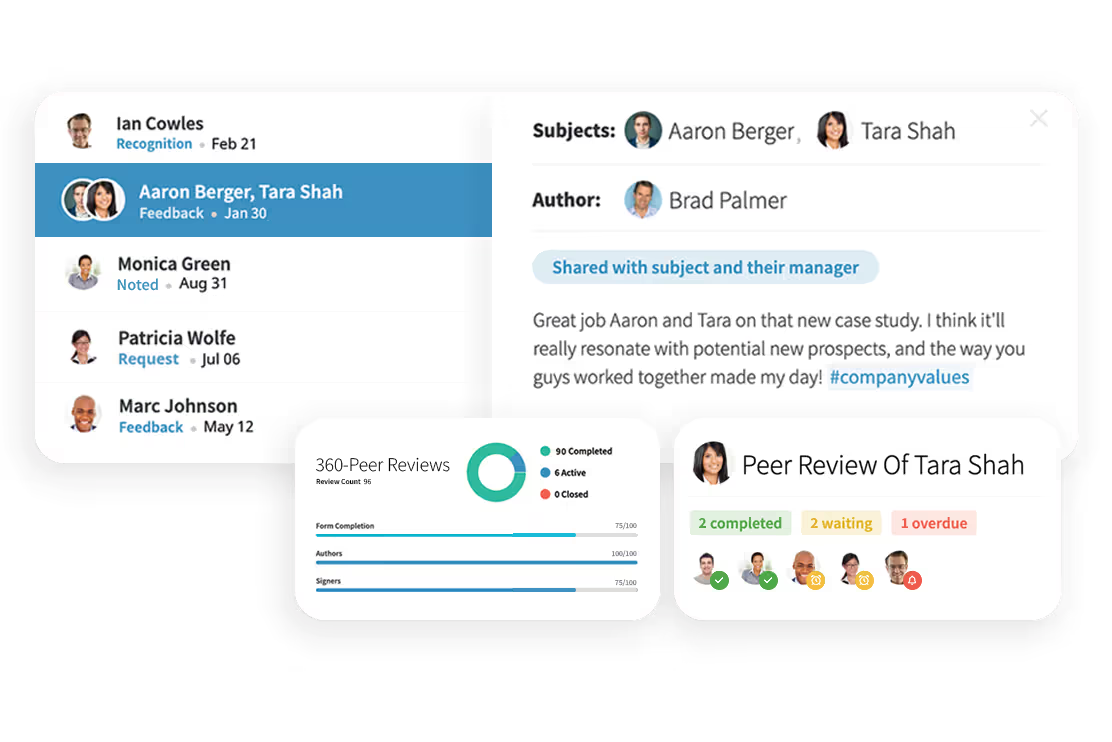


Build PIPs from a Structured Template
PerformYard gives HR and managers a structured starting point for every performance improvement plan. Build from configurable templates that include the components a fair PIP needs:
- A clear description of where performance is falling short
- Specific, measurable improvement goals tied to the role
- A defined timeline with check-in dates and review milestones
- Required support resources, like training or 1:1 coaching
- Sign-off and acknowledgment workflows for HR, managers, and employees
For a deeper walk-through of what to include, see our guide on how to write a performance improvement plan.
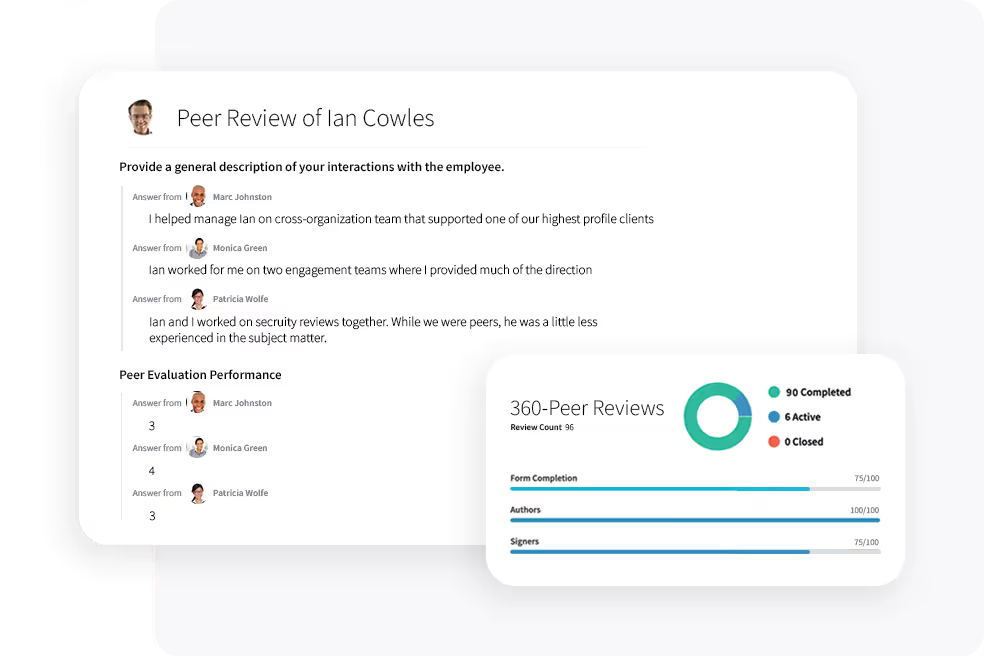

Document Every PIP in One Place
Every PIP lives in one place, with full version history, sign-offs, and update logs preserved. HR can see every active plan across the organization, filter by department or manager, and export records when needed.
Because PIPs sit alongside performance reviews and goal data, the documentation reflects the full performance picture, not just the moment the plan was opened.
Track Employee Progress Through the Plan
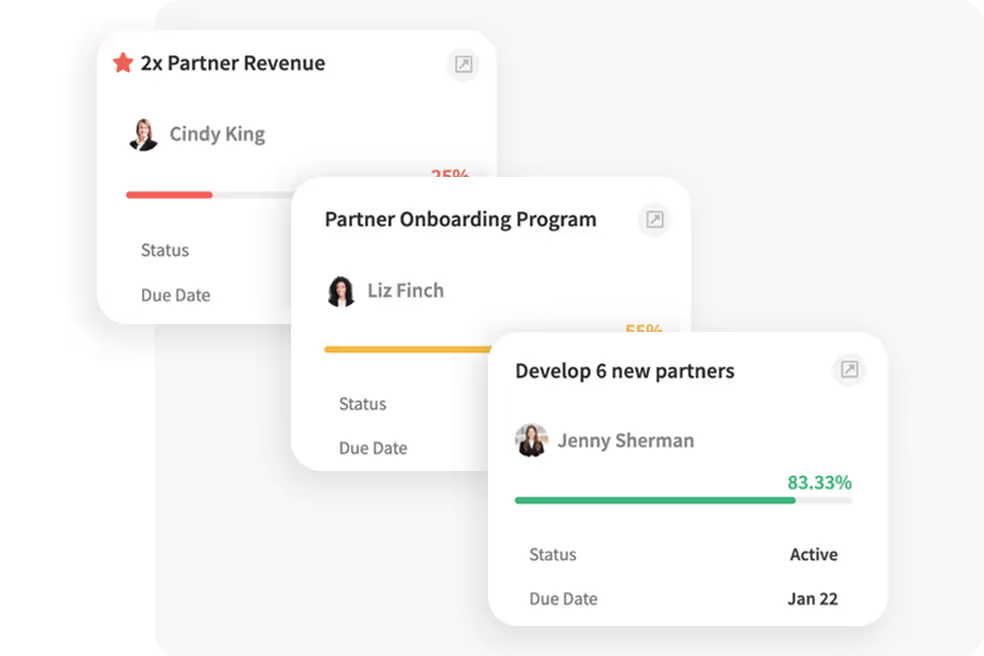
A PIP only works if managers and employees stay in regular contact. PerformYard schedules check-in dates automatically, prompts both parties for status updates, and tracks completion against the goals and milestones set in the original plan. For guidance on running productive PIP conversations, see our PIP meeting agenda and example script.
PerformYard helps us provide greater feedback for colleagues and better management and structure of the annual review cycle. The platform encourages giving feedback on an ad-hoc basis.

PerformYard completely revamped our performance management process, and staff love the Recognition feature - it is so easy to give a colleague a shout-out!

PerformYard is helping our teams have immediate communications and feedback related to performance and goals. We’ve taken a paper-based process and totally automated it.

PerformYard is super easy to use. The fact that it is completely customizable to what we want makes it very appealing. Our team raves about PerformYard’s simplicity and ease of use.

Your Complete Performance and Development Toolkit

Performance Reviews
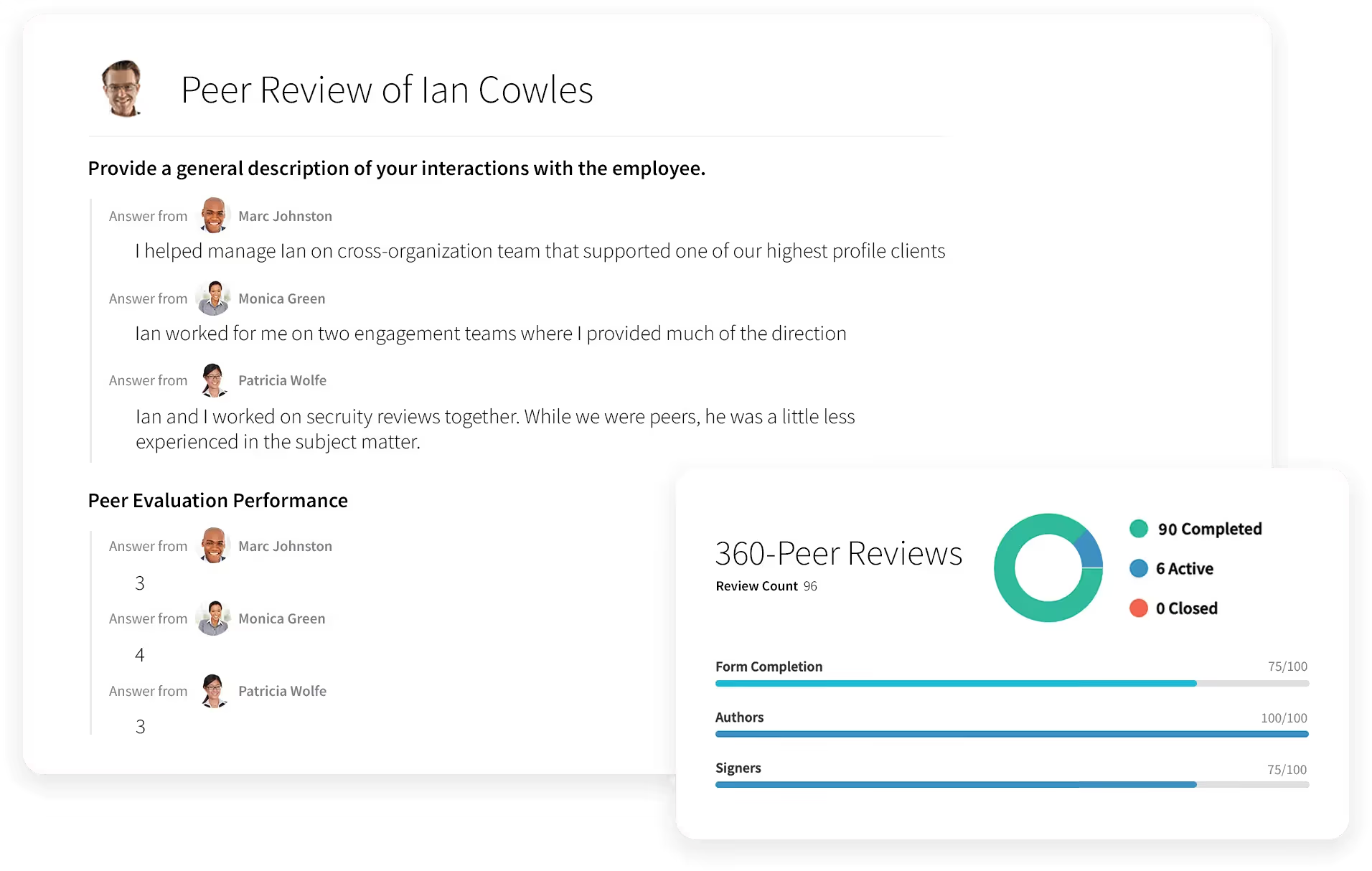
Run Performance Reviews That Actually Drive Growth
- Employee appraisals
- 360 degree feedback
- Quarterly check-ins
- Annual reviews
- Project-based reviews
- Review cycles built around your timeline
- One-on-ones
%20(2).svg)
PerformYard AI
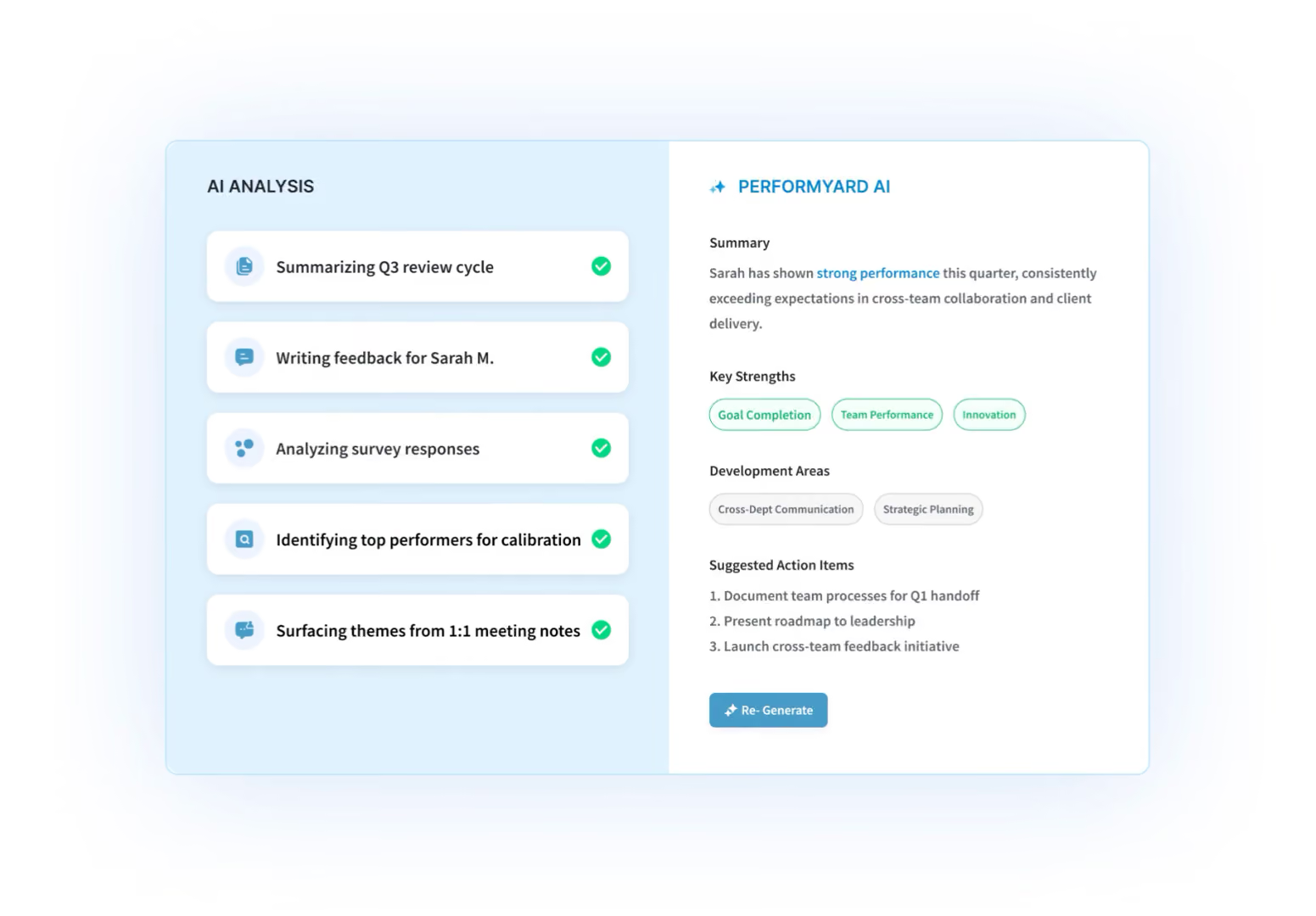
Tell the Platform What You Want
- Build review forms through conversation
- Create goals by chatting, not clicking
- Generate any report from a plain-language request
- AI summaries of reviews, meetings, and cycles

Goal Management
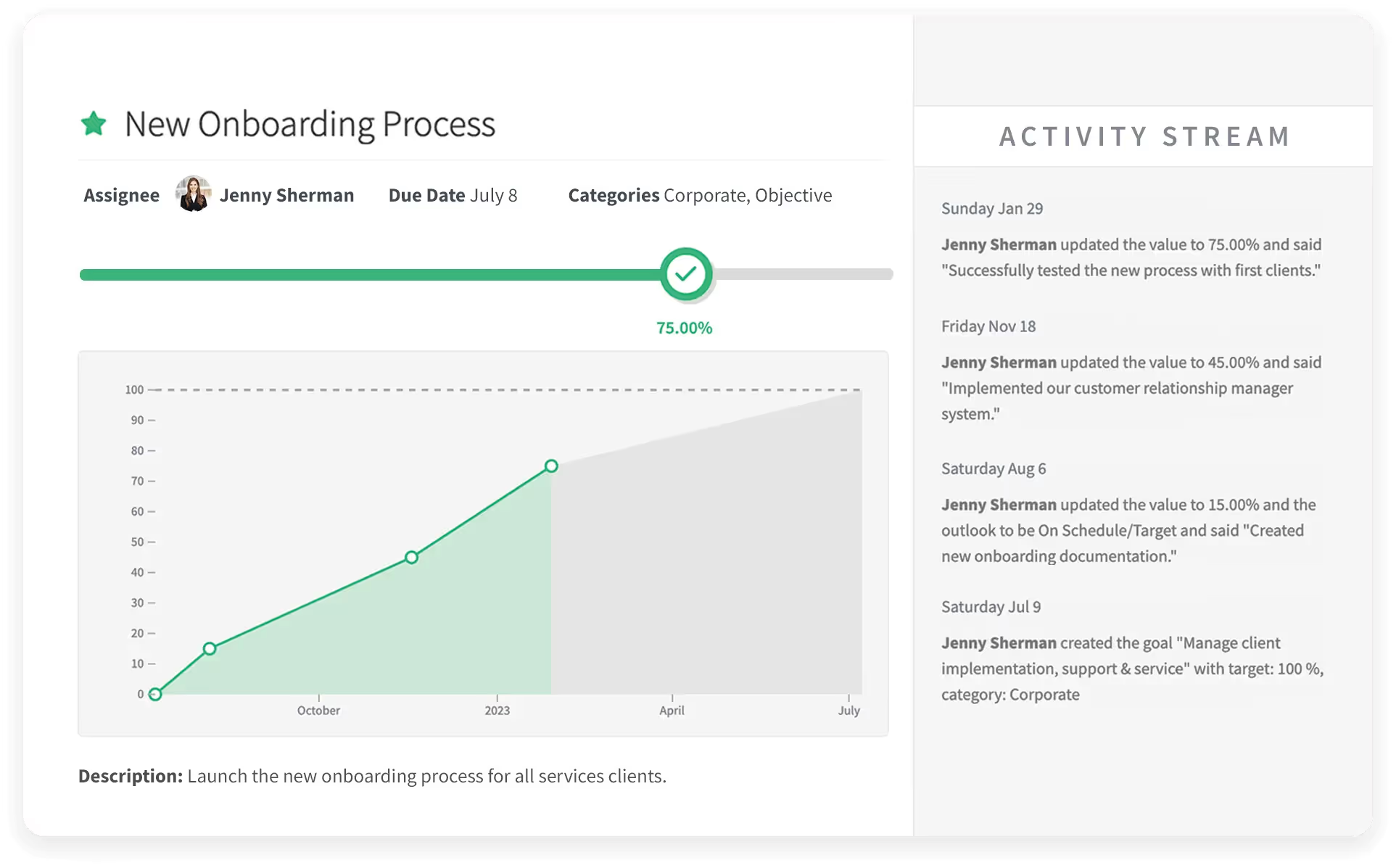
Set Goals People Actually Follow Through On
- Individual, team, and company goals
- Cascading and aligned objectives
- Progress check-ins and updates
- Goals tied directly into reviews

Continuous Feedback
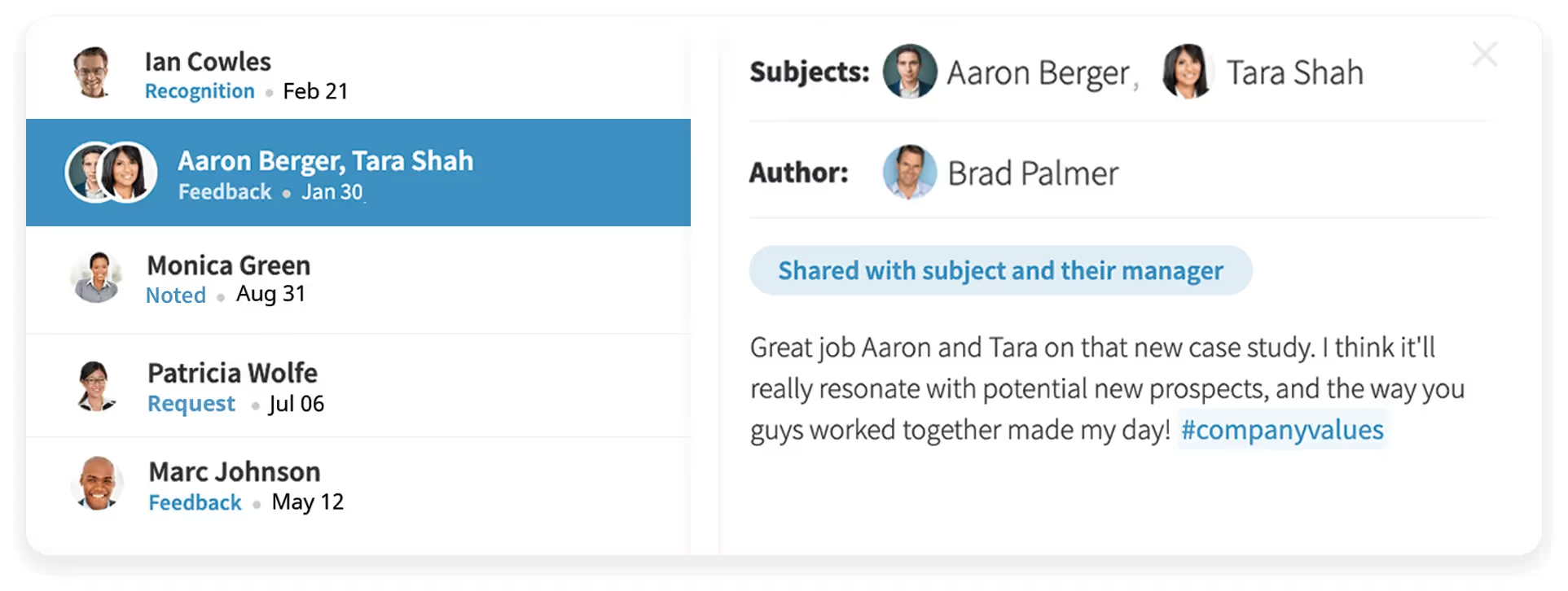
Make Feedback a Habit, Not an Event
- Real-time recognition and feedback
- Public or private visibility options
- Feedback that feeds review cycles
- Simple enough that people actually use it

Reporting & Analytics
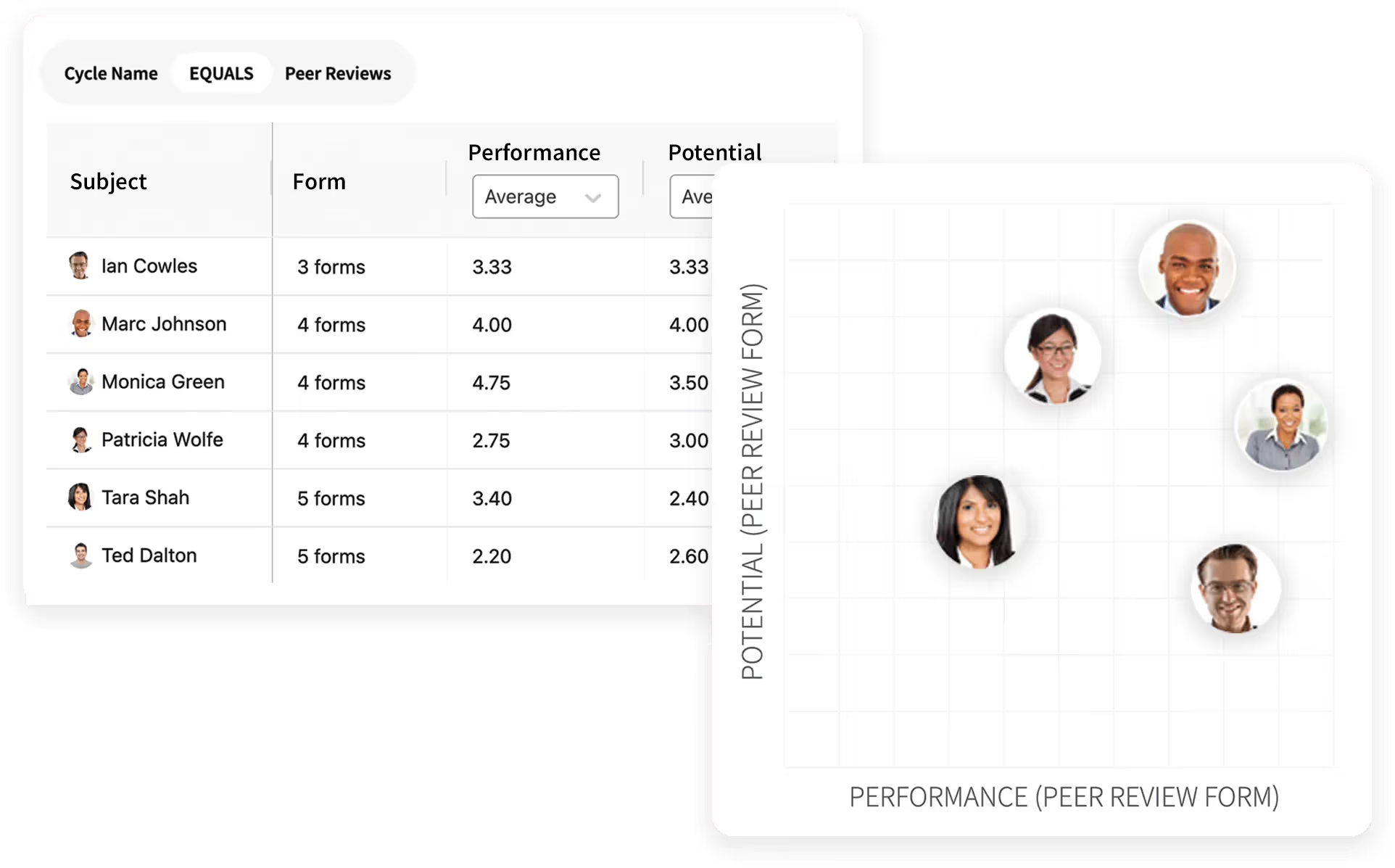
Turn Performance Data Into Decisions
- Cycle completion and participation tracking
- Rating distributions and trend lines
- Nine-box and calibration views
- Exportable, shareable reports

Employee Engagement
.avif)
Know How Your People Are Really Doing
- Anonymous engagement surveys
- Benchmark and trend tracking
- Drill-downs by team and department
- Action planning from results

Meetings

Run One-on-Ones Worth Showing Up For
- Shared agendas and talking points
- Notes and action items in one place
- Ties into goals and feedback
- Meeting history at your fingertips

Surveys

Get Answers From Your Whole Org
- Custom surveys in minutes
- Anonymous or attributed responses
- Automated reminders
- Results reporting built in
Ask PerformYard AI
Put Your Performance Data to Work
- One intelligence layer, connected to your reviews, goals, meetings, and feedback
- Recommendations built from your data, in your company's context
- Meeting notes inform goals; review outcomes feed comp and growth plans
- Every cycle makes the next one smarter

Coaching
Insights that Find You
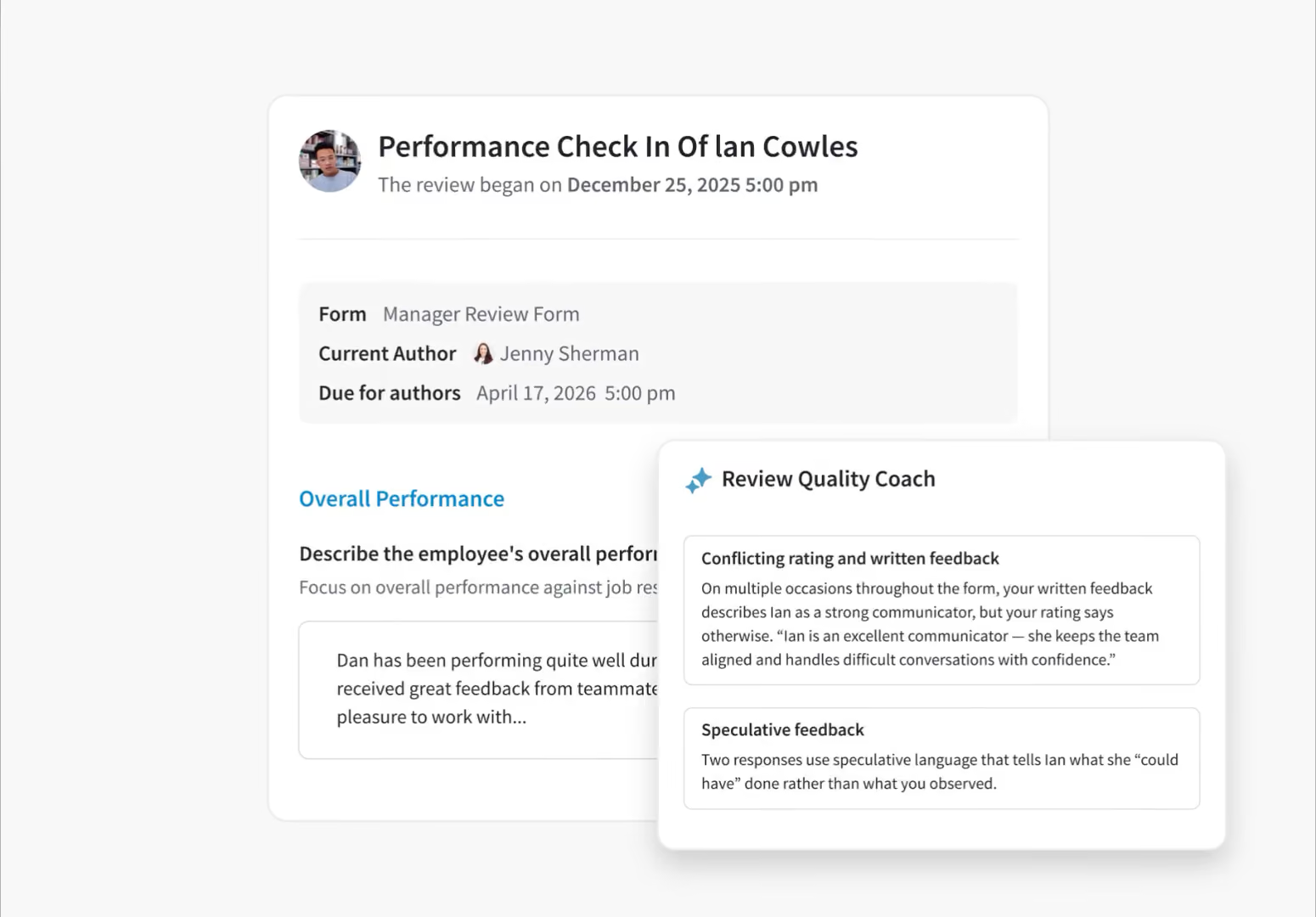
- Employee Insights: a complete view of each person's performance and development.
- Meetings Coach: Pre-meeting prep and post-meeting analysis
- Goal Quality Coach: Ensures every goal is aligned with your organization's philosophy.
- Review Quality Coach: Detects bias in reviews and flags before submission.

Compensation
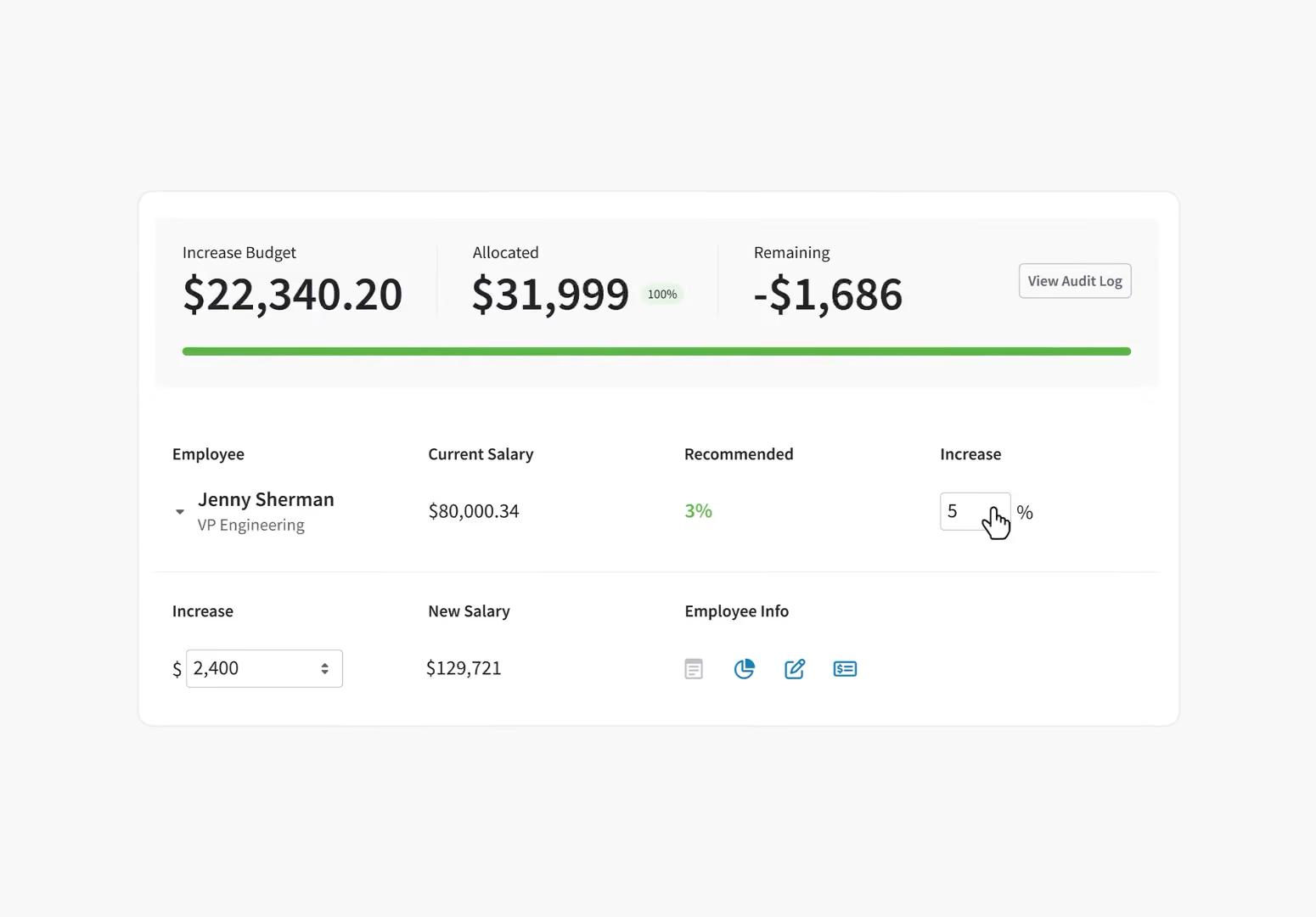
Pay Decisions Backed by Performance Data
- Comp reviews connected to performance
- Transparent, defensible pay decisions
- Budget and approval workflows
- Merit cycles without the spreadsheets

Skills & Competencies
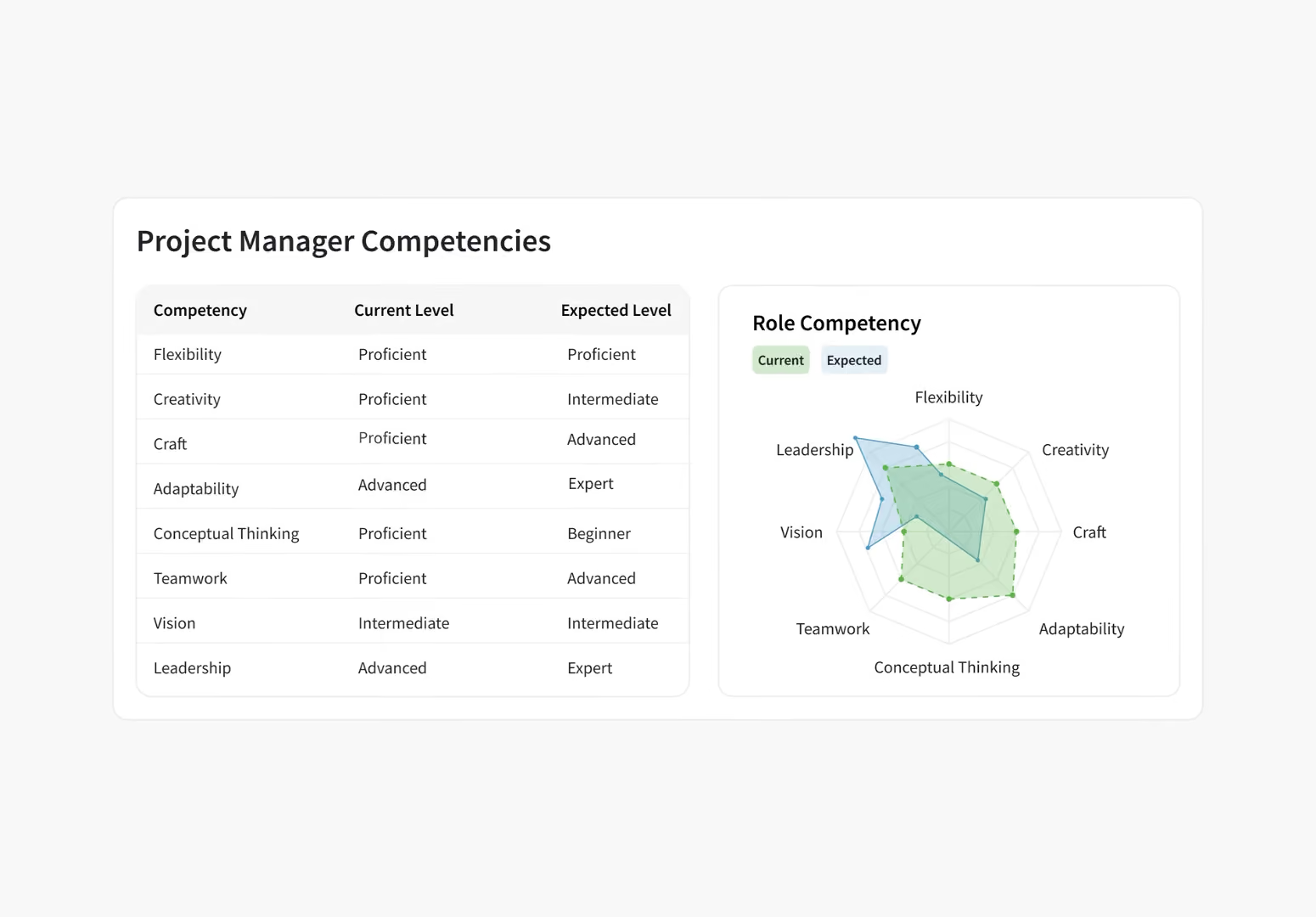
Give Every Employee a Blueprint for Growth
- Define competencies by role and level
- Assess skills in reviews and check-ins
- Show employees the path forward
- Career pathing built on real data
Frequently Asked Questions
What is a performance management platform?
A performance management platform is a connected system that covers the full performance cycle in one place. Review cycles, goal tracking, continuous feedback, and employee engagement measurement all live together so HR teams have a complete picture of employee performance across the organization. PerformYard is built specifically for this: one system HR configures to match their process, and that employees find straightforward to use.
What is performance management software?
Performance management software is a tool designed to help organizations track, analyze, and improve employee performance. It covers goal setting, performance reviews, feedback, and development planning, keeping teams aligned with organizational objectives and supporting continuous improvement and employee engagement. PerformYard's platform brings all of these performance management tools together in one place.
What is a performance improvement plan (PIP)?
A performance improvement plan (PIP) is a structured document that identifies where an employee's performance is falling short, defines what success looks like, and sets a timeline for getting back on track. A good PIP includes specific improvement goals, regular check-ins, and the support resources the employee needs to succeed. PIPs work best as a coaching tool, not a step before termination. For a full walk-through, see our guide on how to write a performance improvement plan.
How long should a performance improvement plan last?
Most performance improvement plans run 30, 60, or 90 days. Shorter plans (around 30 days) work for behavior-based issues with clear, fast-moving expectations. Longer plans (60–90 days) are better suited to skill gaps or measurable performance targets that need time to show consistent improvement. Whatever length you choose, set specific milestones and regular check-in dates so the plan feels structured and fair, not open-ended.
Who initiates a performance improvement plan, the manager or HR?
In most organizations, the manager identifies the performance issue and proposes the PIP, then HR reviews and approves the plan before it goes to the employee. This shared ownership protects everyone involved: the manager has direct context on the work, HR ensures the plan is fair and consistent with how other PIPs have been handled, and the employee gets a plan that's been reviewed by more than one person. PerformYard supports this workflow with manager drafting, HR review, and approval steps built into the platform.
How does PerformYard's performance improvement plan software connect to performance reviews?
PIPs in PerformYard sit in the same platform as your annual reviews, quarterly check-ins, 360s, and goal data. That means a manager opening a PIP can pull directly from documented review feedback and goal progress, rather than reconstructing the performance history from memory. After the plan closes, the outcome stays connected to the employee's performance record. See how it fits into the broader performance review process.
Does PerformYard's performance improvement plan software integrate with my HRIS?
Yes. PerformYard integrates with major HRIS platforms (BambooHR, ADP, Gusto, Rippling, UKG, Workday, Paylocity andmore), single sign-on providers (Okta, OneLogin, Microsoft 365, G Suite), and communication tools (Slack, Microsoft Teams). Employee data syncs automatically, so PIPs stay tied to current roles, managers, and reporting structures without manual updates. See our full list of integrations.
