

Performance Review Ratings You Control
Most performance management tools come with a built-in rating scale and expect you to use it. PerformYard lets you build any performance review rating scale that fits your organization


Beth P. | Director of HR | Environmental Services
%20(9).avif)
Customize Rating Scales in Your Forms
Numerical, Descriptive, or Custom Labels: For every point on your rating scale, define the text label and the numeric value. Whether you use a 5-point numerical scale, a descriptive scale, or a fully custom set of labels, PerformYard supports all of them.
Different Scales for Different Questions: A 5-point scale on manager review questions, a 3-point scale on peer review questions, and a custom scale on competency questions — all on the same review form.
Ratings That Preserve Historical Data: Changing your rating scale going forward does not alter completed review data. Your previous ratings remain linked to the scale active when those forms were completed. Trend reporting stays intact across review cycles.

Rating Data That Feeds Reporting
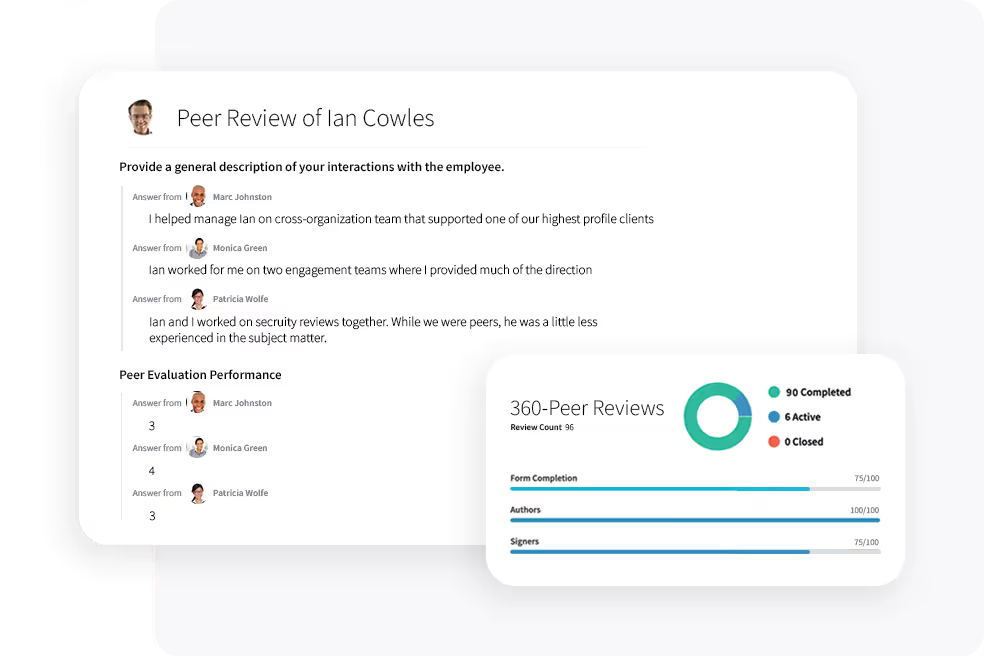
Performance review ratings appear in PerformYard's visual dashboards as soon as a cycle closes. HR can see how scores distribute across teams, flag managers whose ratings differ significantly from peers, and track performance trends over multiple review cycles.
Build a Rating Scale Your Organization Will Use
Set the number of rating points, define each label, and assign numeric values that match how your organization measures performance. Weightings can be adjusted per question so the final score reflects your priorities, not a default formula.
Your Complete Performance and Development Toolkit

Performance Reviews
Run Performance Reviews That Actually Drive Growth
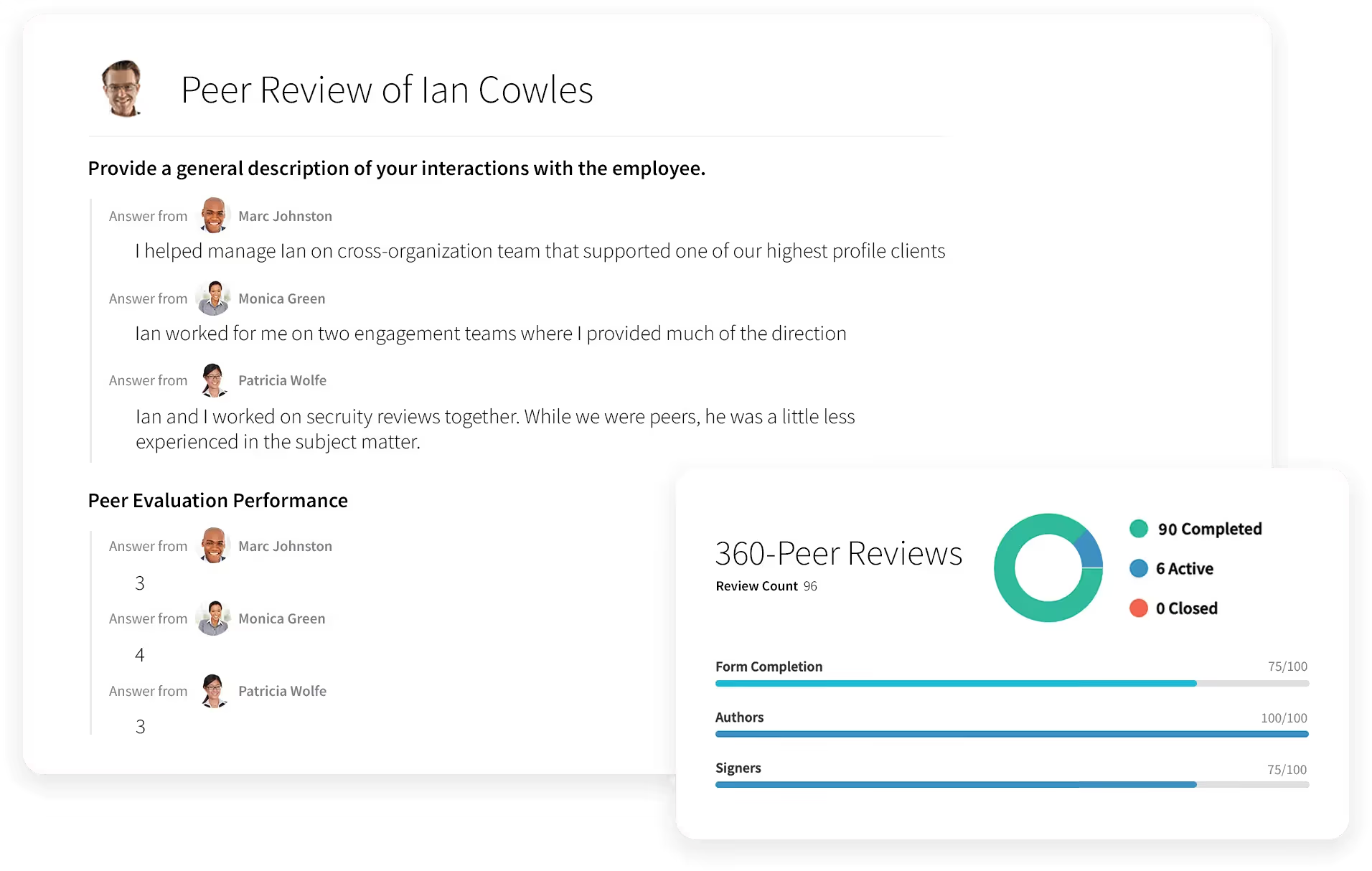
- Employee appraisals
- 360 degree feedback
- Quarterly check-ins
- Annual reviews
- Project-based reviews
- Review cycles built around your timeline
- One-on-ones
%20(2).svg)
PerformYard AI
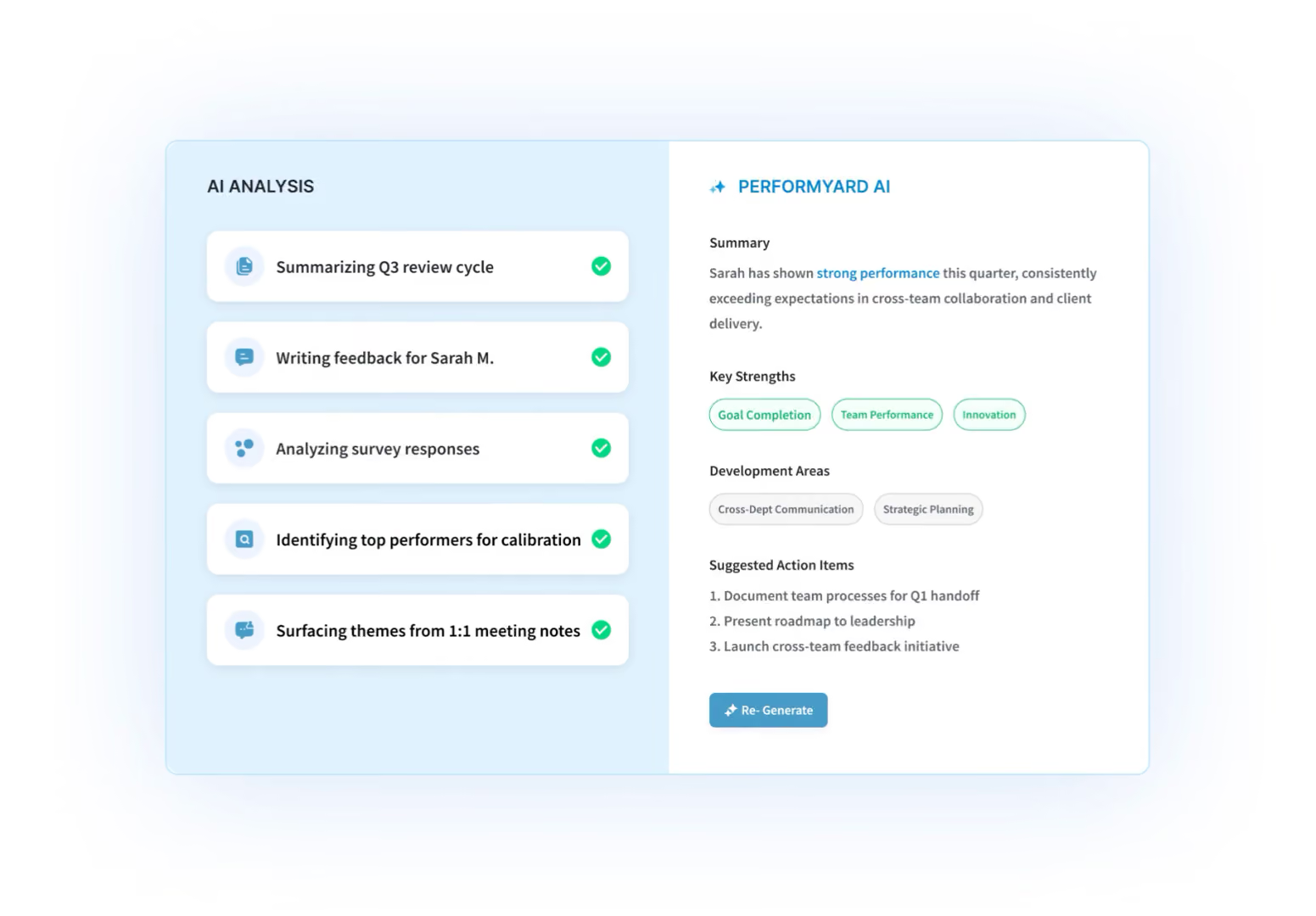
Tell the Platform What You Want
- Build review forms through conversation
- Create goals by chatting, not clicking
- Generate any report from a plain-language request
- AI summaries of reviews, meetings, and cycles

Goal Management
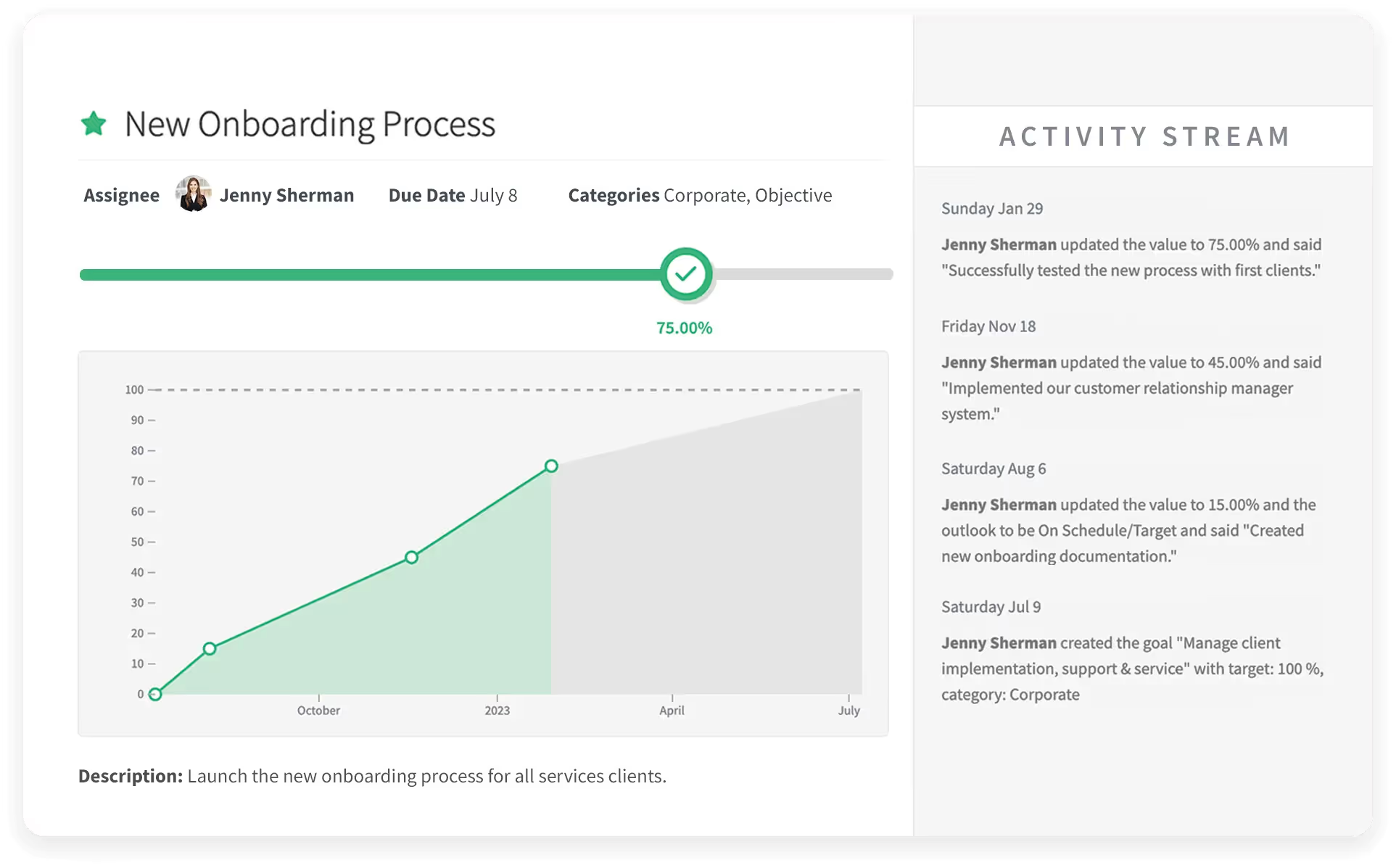
Set Goals People Actually Follow Through On
- Individual, team, and company goals
- Cascading and aligned objectives
- Progress check-ins and updates
- Goals tied directly into reviews

Continuous Feedback
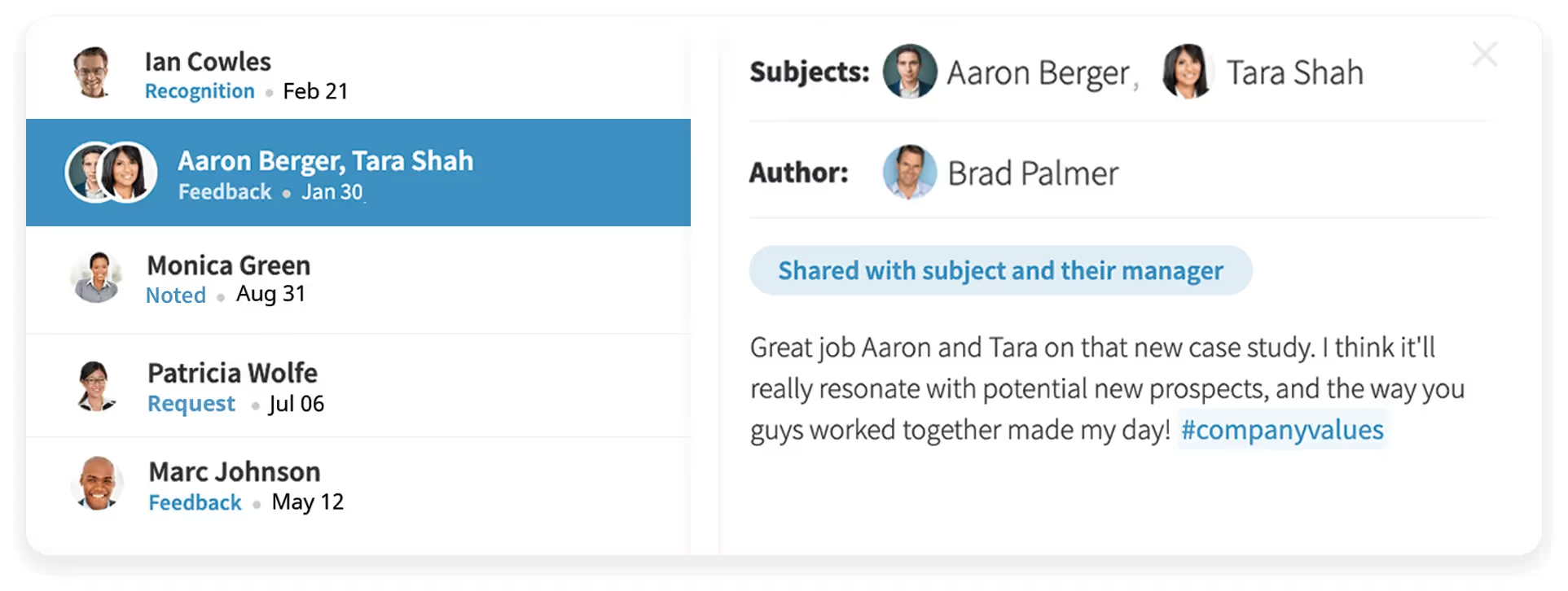
Make Feedback a Habit, Not an Event
- Real-time recognition and feedback
- Public or private visibility options
- Feedback that feeds review cycles
- Simple enough that people actually use it

Reporting & Analytics
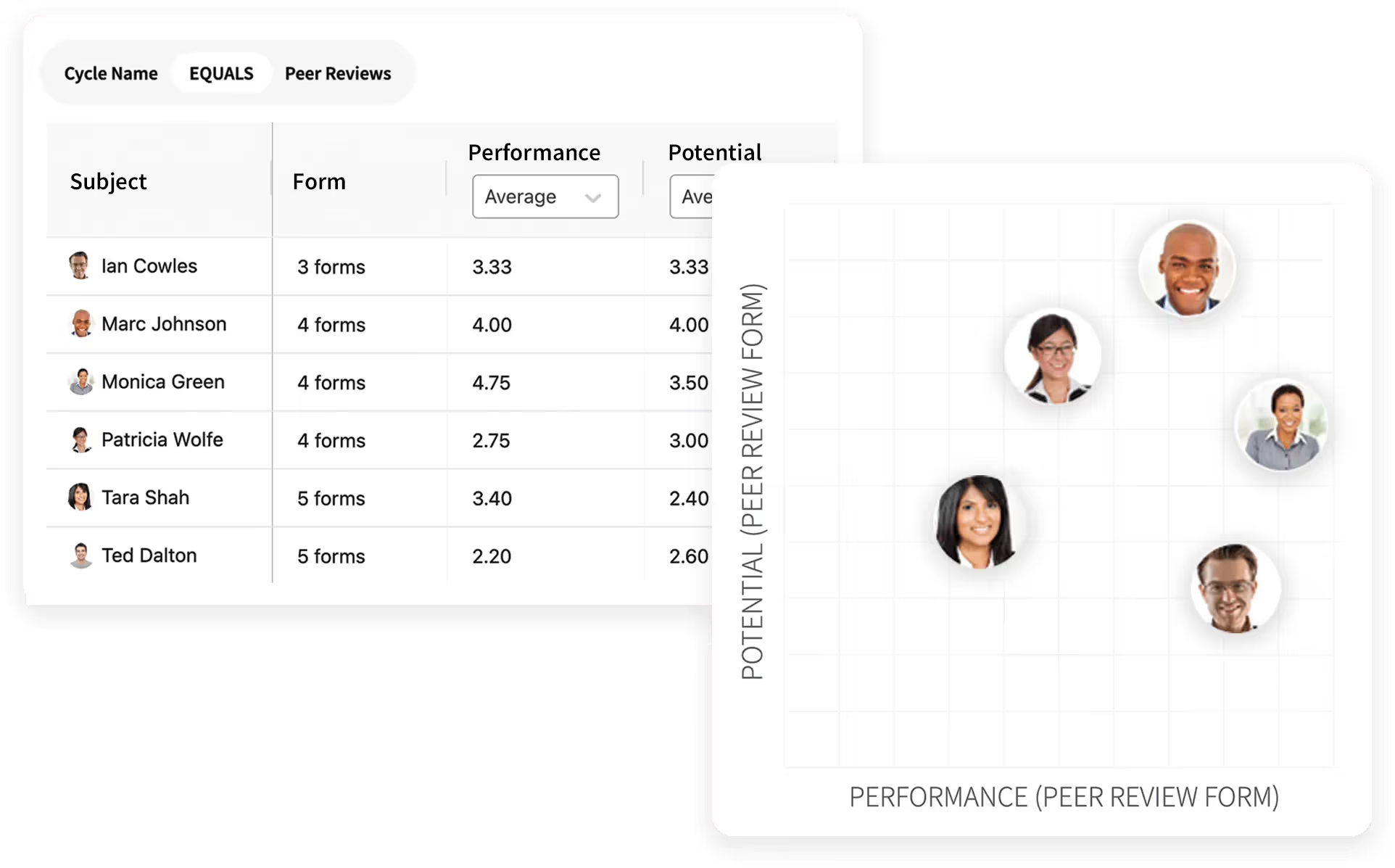
Turn Performance Data Into Decisions
- Cycle completion and participation tracking
- Rating distributions and trend lines
- Nine-box and calibration views
- Exportable, shareable reports

Employee Engagement
.avif)
Know How Your People Are Really Doing
- Anonymous engagement surveys
- Benchmark and trend tracking
- Drill-downs by team and department
- Action planning from results

Meetings

Run One-on-Ones Worth Showing Up For
- Shared agendas and talking points
- Notes and action items in one place
- Ties into goals and feedback
- Meeting history at your fingertips

Surveys

Get Answers From Your Whole Org
- Custom surveys in minutes
- Anonymous or attributed responses
- Automated reminders
- Results reporting built in
Ask PerformYard AI
Put Your Performance Data to Work
- One intelligence layer, connected to your reviews, goals, meetings, and feedback
- Recommendations built from your data, in your company's context
- Meeting notes inform goals; review outcomes feed comp and growth plans
- Every cycle makes the next one smarter

Coaching
Insights that Find You
- Employee Insights: a complete view of each person's performance and development.
- Meetings Coach: Pre-meeting prep and post-meeting analysis
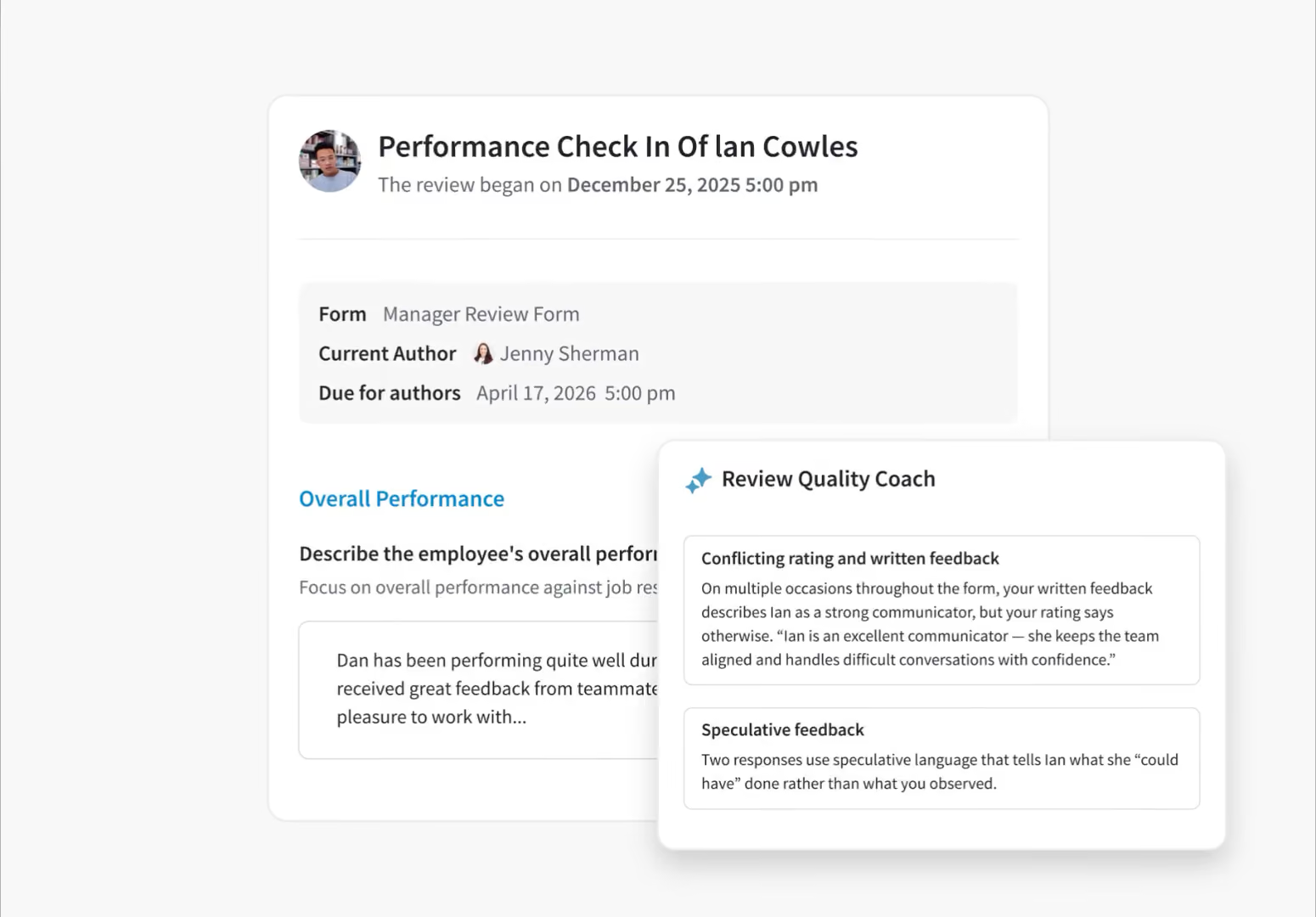
- Goal Quality Coach: Ensures every goal is aligned with your organization's philosophy.
- Review Quality Coach: Detects bias in reviews and flags before submission.

Compensation
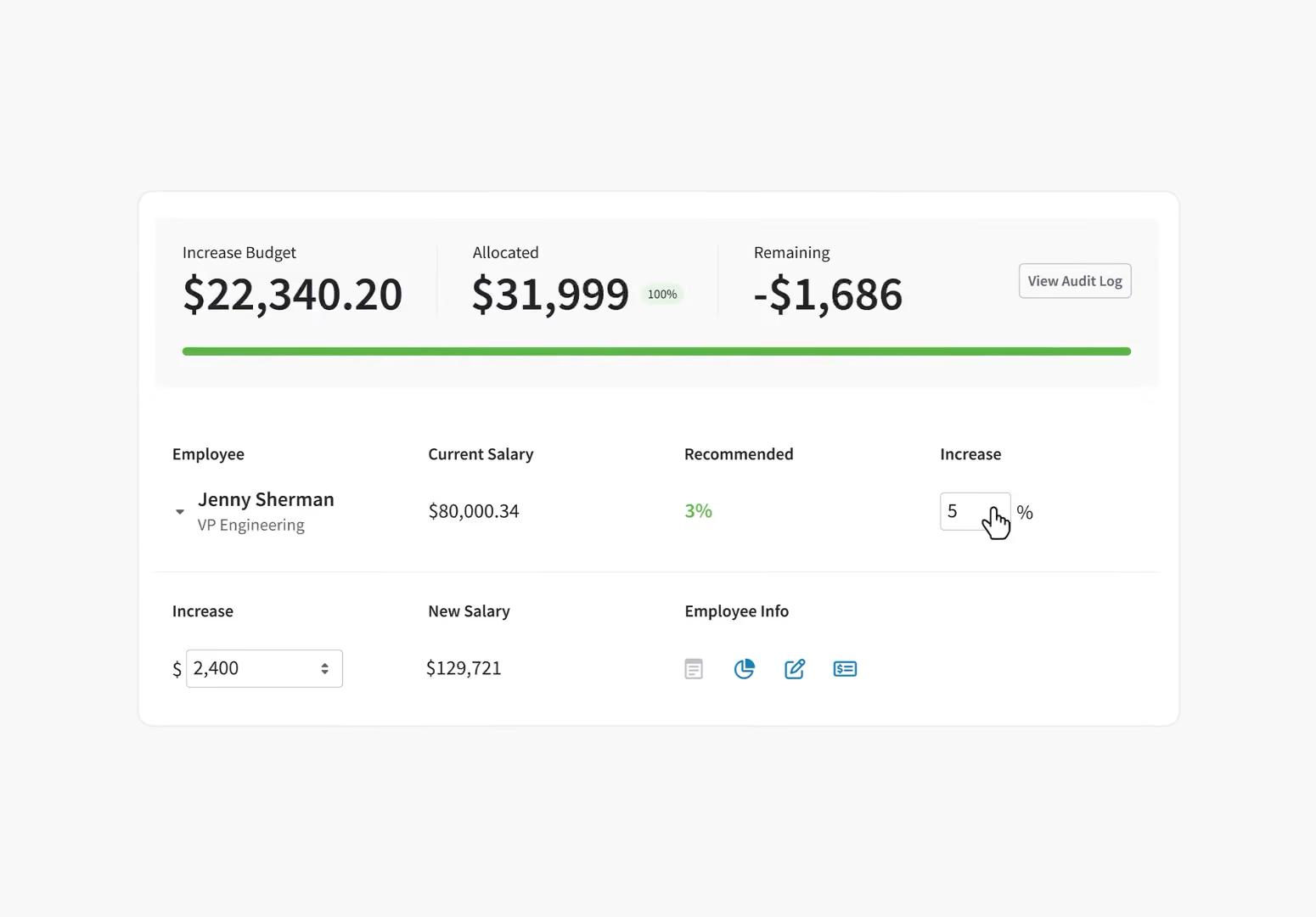
Pay Decisions Backed by Performance Data
- Comp reviews connected to performance
- Transparent, defensible pay decisions
- Budget and approval workflows
- Merit cycles without the spreadsheets

Skills & Competencies
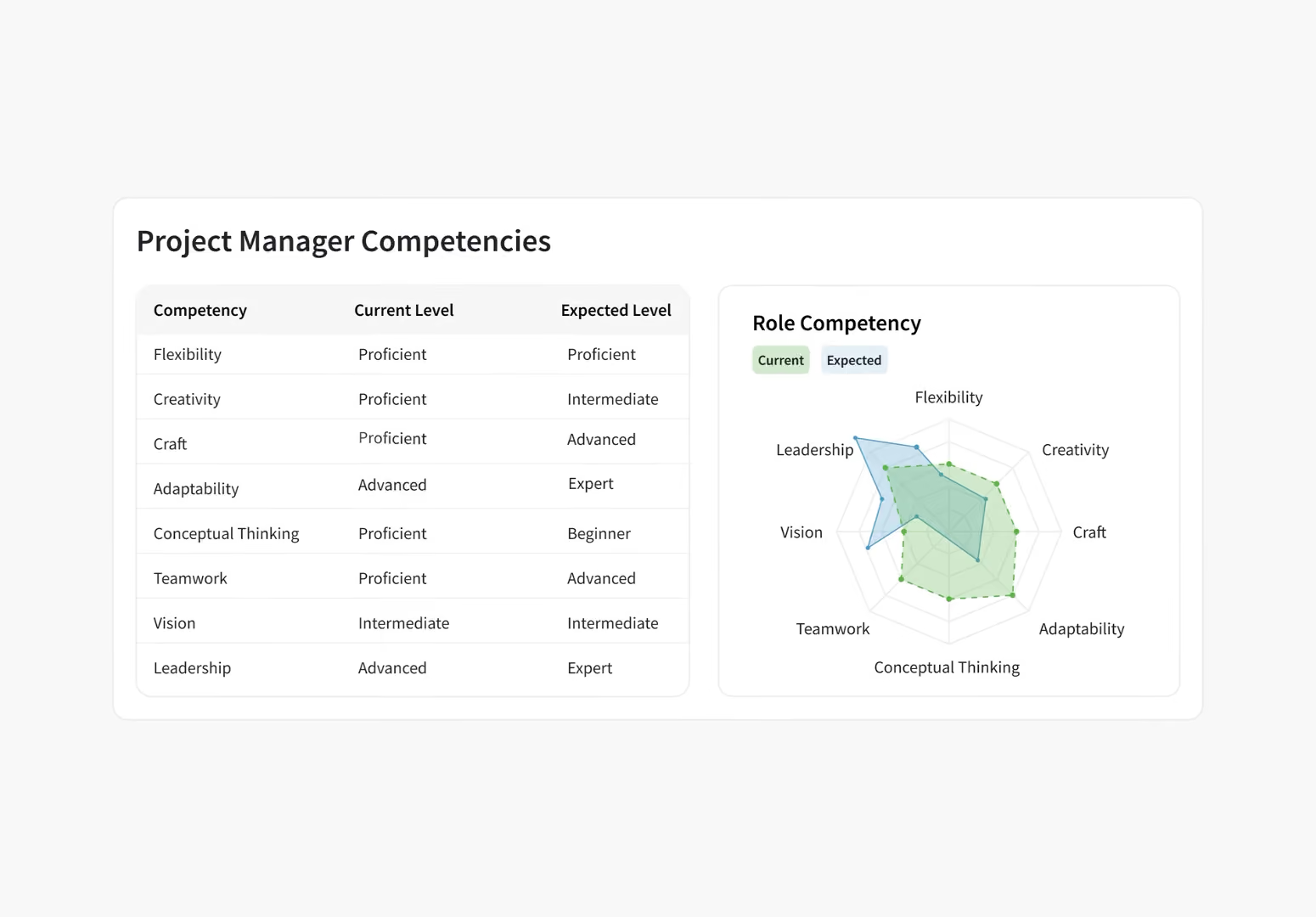
Give Every Employee a Blueprint for Growth
- Define competencies by role and level
- Assess skills in reviews and check-ins
- Show employees the path forward
- Career pathing built on real data
FAQ
Frequently Asked Questions
Can we apply rating scales to goal questions as well as competency questions?
Yes, administrators can fully customize the rating scale for goal management within PerformYard by utilizing the Goal Discussion question type in a review form. This feature allows users to select goals and then score performance on them using either a custom-defined Rating Scale (where you define the labels and numeric values) or a simple numeric score, which is then factored into overall performance calculations.
Can we use different rating scales for different questions in the same review?
Yes. Rating scales in PerformYard are an attribute of each individual question on the review form, not a setting applied to the entire review. You can apply a 5-point scale to manager evaluation questions and a 3-point scale to peer review questions on the same form, or use completely different scales for different question types.
What happens to historical rating data if we change our scale?
When you change a rating scale in PerformYard, the historical data from completed reviews is preserved and linked to the scale that was active when those reviews were completed. The change applies only to new or uncompleted forms going forward. Your previous ratings remain intact for trend reporting and cross-cycle analytics.
How do rating scales connect to PerformYard's reporting dashboards?
Rating scores flow directly into PerformYard's reporting dashboards as review cycles complete. You can see how scores distribute across teams, compare results across review cycles, and identify managers whose rating patterns differ significantly from peers. This data is available inside PerformYard, you don't need to export it to a separate tool to analyze it
Customizing Rating Scale OptionsThe Rating Scale question is a highly customizable element of the review form, which allows you to define a scale that aligns perfectly with your company's culture and evaluation criteria.
- Custom Labels and Definitions: For every point on the rating scale (e.g., a 1 to 5 scale), you define the textual description or label (e.g., "Unacceptable" or "Sets a New Standard"). These descriptions appear on hover for reviewers to ensure consistent scoring.
- Numeric Value Mapping: You associate a specific numeric value with each custom label. This is essential because the numeric value is what PerformYard exports in a CSV file for data analysis and is used in any automated Numeric Calculation questions on the form.
- Flexibility: This per-question customization allows administrators to tailor rating categories, descriptions, and even weightings to match unique organizational criteria, ensuring the ratings are relevant to the specific competency or goal being assessed.
What types of rating scales does PerformYard support?
PerformYard supports numerical rating scales (such as 1 to 5 or 1 to 10), descriptive scales (such as Meets Expectations and Exceeds Expectations), and fully custom scales where you define each label and its corresponding numeric value. You can also use goal discussion questions with a custom scoring system that factors into overall performance calculations.
